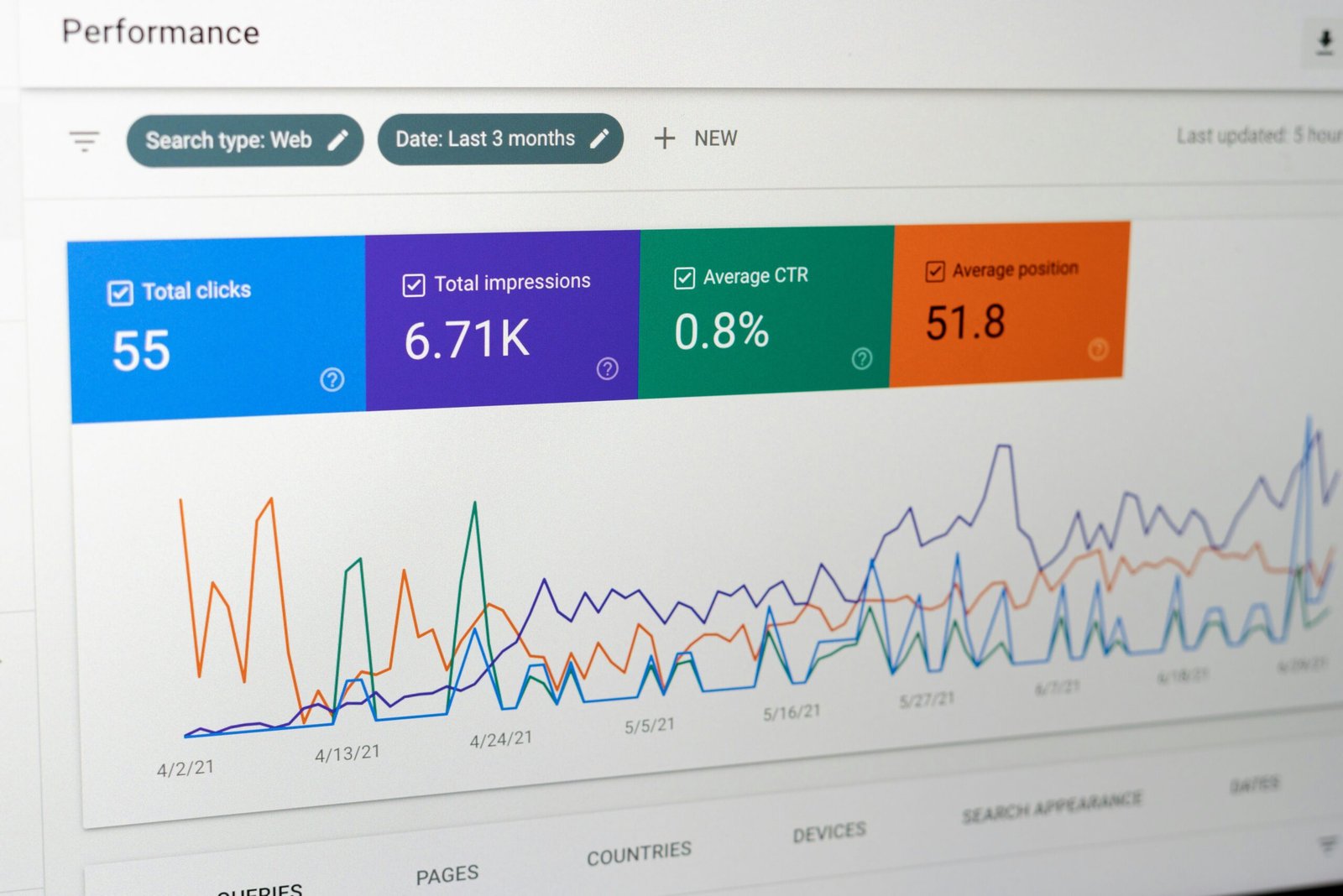
Google Trends data shows relative interest, not search counts, so a score of 100 means “the peak for this search, in this place and time window,” and every other number is measured against that peak.
That one fact can trip up small business research. A line chart that rises looks like proof of a growing market, and a score of 60 looks like “60,000 searches.” Neither reading is right. Trends is useful for comparing terms, spotting seasonal patterns, and noticing shifts, but it doesn’t tell you how many people are searching, or how big your market is.
This guide explains how the numbers work according to Google’s own help page, shows how to compare terms without fooling yourself, gives you an AI prompt that does the arithmetic using only the numbers you paste in, and lists the mistakes to avoid. The example terms and values are invented.
Contents
How Google Says the Data Works
Google’s help page on how Trends data is adjusted makes a few points that matter for anyone using it for research:
- It’s a sample. Only a sample of Google searches is used, which Google says is sufficient given the billions of searches per day.
- It’s scaled. The numbers are put on a range of 0 to 100 based on a topic’s proportion to all searches on all topics.
- It’s relative to the total. Each data point is divided by the total searches of the geography and time range it represents, which lets you compare relative popularity. A region with more total searches doesn’t automatically rank highest.
- There’s noise. The system includes statistical noise, small random fluctuations that don’t represent real search behavior, which particularly affects low-volume queries.
Put plainly, Trends answers “how does interest in this compare, over time or between terms?” It doesn’t answer “how many people searched?”
Three Ways People Read the Chart
| Treat it as counts | Treat it as a rough hint | Treat it as relative interest | |
|---|---|---|---|
| “60” means | 60 searches (or 60,000) | Some interest | 60% of the peak in this range |
| Good for market size | Looks like yes, but it’s wrong | Vague | No, not by itself |
| Good for comparing terms | Misleading | Okay | Yes |
| Good for seasonality | Misleading | Okay | Yes |
| Risk of a bad decision | High | Medium | Lower |
The third reading is the one Google’s description supports.
What a Score Actually Tells You
Because values are scaled against the highest point in the range you chose, they change when you change the range. A term can score 100 in one chart and 40 in another that includes a bigger spike. So before reading any number, note:
- The time range. A five-year view and a twelve-month view use different peaks.
- The location. The same term can have different relative patterns by region.
- The terms being compared. If you add a more popular term, your term’s numbers shrink relative to it.
Screenshot or write down these settings whenever you record numbers, so you can recreate or explain them later.
What Trends Is Good For
Used for what it measures, it helps with:
- Seasonality. Does interest rise in certain months?
- Relative comparison. Is term A more searched than term B?
- Direction. Is interest broadly rising, flat, or falling over a long window?
- Wording. Which of two phrasings do people use more?
It’s less suited for:
- Market size. It doesn’t give counts.
- Small niches. Google notes that noise especially affects low-volume queries.
- Precise forecasts. A trend in searches isn’t a forecast of sales.
Let AI Do the Arithmetic, Not the Fetching
AI can calculate changes between values and write a plain summary. It shouldn’t be asked to go find Trends numbers, since it may guess or recall inaccurate figures. You read the values from your own Trends page and paste them in. Here’s a prompt:
I'm studying Google Trends data for two search terms. Below are the values I read from the chart. The time range, location, and settings are listed too.

Settings: [time range, location, category if any]
Term A values: [list with dates]
Term B values: [list with dates]

Please:
1. Calculate the change from the first to the last value for each term, showing the math, as both a difference in points and a percentage change.
2. Identify the highest and lowest values for each term and their dates.
3. Say which term has higher relative interest in each period, using only my numbers.
4. List the limits of these numbers: they are relative (0 to 100), sampled, and may include noise, especially for low-volume terms.

Rules:
- Use only the values I provided.
- Do not convert these into search counts, market size, revenue, or customers.
- Do not predict future values.
- If a number is missing, write "NOT PROVIDED."
The prompt above is my own wording, not an official or published template.
The rule against converting to counts is the important one. It stops the most common misreading of this data.
Worked Example for Google Trends Data Explained
Suppose you’re comparing two invented terms, “iced coffee maker” (Term A) and “coffee maker” (Term B), over four sample months, for one region. You read these values:
| Month | Term A | Term B |
|---|---|---|
| January | 20 | 30 |
| April | 45 | 32 |
| July | 100 | 35 |
| October | 35 | 33 |
The AI’s arithmetic:
- Term A, January to July: from 20 to 100, a rise of 80 points, a 400% increase (80 ÷ 20 = 4.0).
- Term B, January to July: from 30 to 35, a rise of 5 points, about 16.7% (5 ÷ 30).
- Peak: Term A peaks in July at 100. Term B’s highest in this list is 35, also in July.
- Pattern: Term A swings widely, which suggests strong seasonality. Term B is nearly flat.
What this does and doesn’t mean: Term A’s interest is strongly seasonal, so a business built around iced coffee makers should expect interest to bunch in summer. In a shared comparison chart, 100 is the highest point reached by either term, so Term B’s July value of 35 means roughly 35% of Term A’s July peak in relative interest. None of it says how many people searched, how many will buy, or how big either market is. The numbers are made up for the example.
Check, Combine, and Repeat
Check Before You Trust a Trend
Before using a pattern in a plan, ask:
- Did I record the time range, location, and terms?
- Is the term high enough in volume to avoid noise? If the line jumps around randomly, treat it with caution.
- Does the pattern match something I can explain? Seasonality, holidays, and news events can explain spikes.
- Does another source agree? Compare it with your own sales or inquiry records, or with public data.
- Am I treating a search interest as demand? People search for many reasons, and not all of them buy.
For turning rough signals into an estimate you can defend, our guide to a bottom-up market size estimate shows a method that doesn’t rely on search data alone.
Use It Alongside Other Research
Trends is one existing source among several. The SBA’s guidance on market research notes that existing sources save time but may not be as specific to your audience as you’d like, which applies to Trends too. Pair it with direct research when the decision matters, as covered in our guide to primary vs secondary market research.
A Short Routine You Can Repeat
To keep your readings consistent from one project to the next, use the same routine each time:
- Write the question first, such as “Is interest in this seasonal?” or “Which phrase do people use more?”
- Choose the time range, location, and terms, and write them down.
- Read the high point, low point, and a few values in between, and note the dates.
- Paste the numbers into the prompt, which shows every calculation line by line.
- Write one sentence about what the numbers do and don’t show, using words like “relative interest” instead of “searches.”
- Compare against another source, such as your own sales or inquiries, before acting.
A routine like this keeps you from drifting into reading Google Trends data as something it isn’t, especially when you’re in a hurry or excited about a rising line.
Google Trends Data Explained: Mistakes to Avoid
- Reading scores as counts. A 60 is relative, not 60 of anything.
- Comparing numbers from charts with different settings. Keep range and location the same.
- Ignoring noise on small terms. Weak signals wobble.
- Treating search interest as sales. Interest isn’t purchase.
- Asking AI to fetch or recall values. Paste your own readings.
Questions About Google Trends Data Explained
What does Google Trends data show? Relative search interest, scaled from 0 to 100 against the highest point for the term, location, and time range you chose.
Does Google Trends data show how many searches there were? No. According to Google, the numbers are proportions of total searches scaled to 0 to 100, not counts.
Is Google Trends data accurate? It’s based on a sample, which Google says is sufficient, and it includes some statistical noise, especially for low-volume searches. Treat it as one indicator, not exact measurement.
Can I use Google Trends data to size a market? Not by itself, because it doesn’t provide counts. Use it for direction, seasonality, and comparison, and use other methods for size.
Why do the numbers change when I change the time range? Because the scale is set relative to the highest point in the range you select.
Can AI analyze Google Trends data for me? It can calculate changes and summarize the numbers you paste in. Don’t ask it to supply the values or convert them into search counts.
How do I compare two terms fairly? Put them in the same chart view, with the same time range and location, and record the settings.
Record Three Numbers Today
Pick one term, choose a time range and location, and write down the high point, the low point, and the settings. Then paste them into the prompt. Reading Google Trends data as relative interest keeps you from building a plan on a number that never meant what it looked like.
This article offers general information, not financial or professional advice. Example terms and values are fictional.
Sources:
Leave a Reply