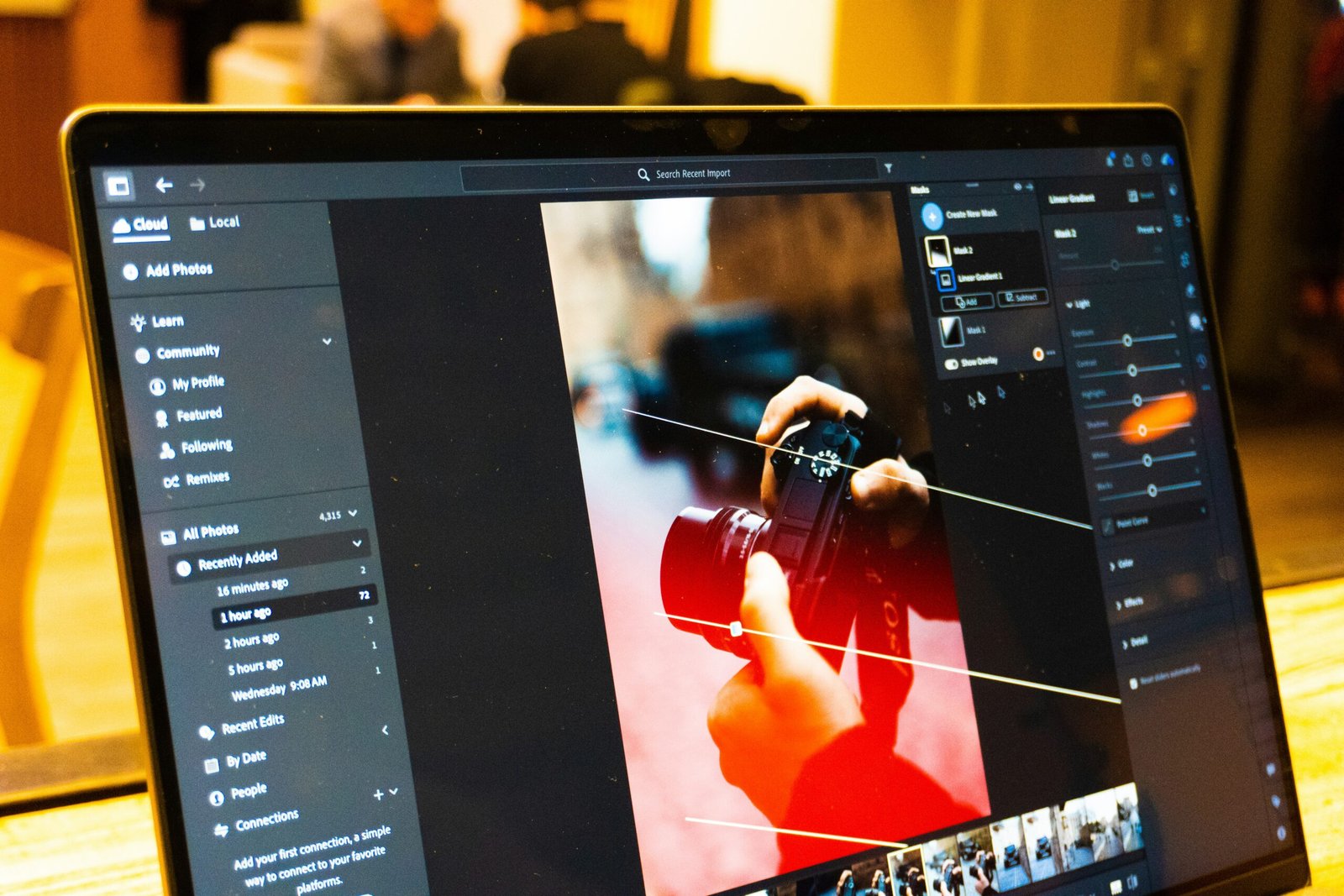
AI photo editing copyright is a worry a photographer may carry quietly: if software helped fix the color, remove the noise, or fill in a patch of sky, is the finished photo still yours?
The honest answer is that it depends on what the AI did, and the U.S. Copyright Office has published a report that draws the main lines. It doesn’t list every tool or every button. It does explain the thinking: tools that assist human creativity are treated differently from tools that stand in for it. If you edit photos for clients or sell your work, knowing where that line sits helps you keep better records and ask better questions.
This guide explains what the Office’s report says in plain language, shows how to sort your own editing steps into groups worth thinking about, and gives you a log and a chatbot prompt that organizes your steps without giving legal opinions. This is general information about U.S. policy, not legal advice. Copyright law differs by country, and a licensed attorney can tell you how it applies to your work.
Contents
What the Copyright Office Actually Said
In its report on the copyrightability of AI-assisted works, the U.S. Copyright Office reached several conclusions. In summary:
- Copyright requires human authorship. It protects the original expression created by a human, even if the work also includes AI-generated material, and it does not extend to purely AI-generated material.
- Using AI tools to assist rather than stand in for human creativity does not affect the availability of copyright protection.
- Prompts alone don’t provide enough human control to make the user the author of what the system generates. The report describes them as instructions that convey ideas, not expression.
- Humans may claim copyright through selection, coordination, and arrangement of material in an output, or through creative modifications of it.
- When a person provides their own creative work as input, they will be the author of at least that portion of the output.
- The Office didn’t recommend changing the law, concluding that existing law can handle these questions case by case.
Read that carefully. The report isn’t saying “AI touched it, so it’s not yours.” It separates assisting from standing in, and it focuses on how much human creative control is involved.
A Camera Photo Starts With a Human Choice
A photograph you took involves your choices: the subject, framing, timing, light, and moment. Editing it with software that adjusts exposure, reduces noise, or matches color across a set is typically assistance applied to an image you captured. The report’s statement that assistive use doesn’t affect protection is the relevant idea, and it’s why some photographers may find it reassuring.
The harder cases are where the AI contributes new content you didn’t capture, such as generating an object, extending a background, or replacing a sky. The report doesn’t address each feature of each program, so it doesn’t give you a checklist of tools. What it gives you is a way to think: how much of this result reflects my own creative decisions, and how much did the system produce on its own?
Handle the Question: Three Options, a Sorting Table, and a Log
- Based on actual guidance: Ignore it – No; Worry and avoid AI – Partly; Keep records and ask good questions – Yes.
- Helps if a client or platform asks: Ignore it – No; Worry and avoid AI – Somewhat; Keep records and ask good questions – Yes.
- Keeps you flexible: Ignore it – Yes; Worry and avoid AI – No; Keep records and ask good questions – Yes.
- Risk of being unable to explain your process: Ignore it – High; Worry and avoid AI – Low; Keep records and ask good questions – Low.
Sorting Your Editing Steps
A practical way to apply the report’s thinking is to list what you did to an image and ask one question per step: did this step change what I captured, or did it add something I didn’t capture?
| Type of step | Example | A question worth asking |
|---|---|---|
| Adjusting what’s there | Exposure, white balance, contrast, color matching | Did I make the creative choices here? |
| Cleaning what’s there | Noise reduction, dust spots, sharpening | Did the tool only refine my capture? |
| Selecting and arranging | Culling, cropping, ordering a gallery | Are my selections and arrangement my own? |
| Adding or replacing content | Generating objects, extending a background, swapping a sky | Is new image content here that I didn’t capture? |
| Creating from text alone | A scene generated from a prompt, no camera file | Was my input only instructions? |
These categories are a thinking aid. They aren’t legal categories, and which ones matter in a particular case is a question for an attorney. But the table makes visible something you can say clearly when someone asks: here’s what I captured, here’s what I adjusted, and here’s what, if anything, was generated.
Keep a Simple Editing Log
For any photo that matters, such as one you’ll license, enter in a contest, or register, keep a short record:
- File name: wedding_0417.CR3
- Original capture: Date, camera, location
- Steps taken: Batch color match, noise reduction, crop
- Tool used for each step: Name of the software
- Any content added by AI: None / describe
- Date of edit: Date
Save your original camera files too. They’re the clearest record of what you captured.
Let AI Organize the Log Without Judging It
A chatbot can sort your steps into the table above if you tell it not to give legal opinions:
I keep an editing log for my photos. Below is my log for one image. Please organize it.

[paste the log]

Please:
1. List each step in order.
2. For each step, mark one label: ADJUSTS EXISTING CONTENT, ADDS OR REPLACES CONTENT, SELECTION OR ARRANGEMENT, or UNCLEAR.
3. For any step marked ADDS OR REPLACES CONTENT or UNCLEAR, quote the log line and write a question I should be able to answer (for example, "What did the tool add, and from what source?").
4. List anything missing from the log that I would need to describe my process to someone else, marked "NOT STATED."

Rules:
- Use only the log I pasted.
- Do not say whether the image is protected by copyright, whether I am its author, or whether anything is legal or illegal.
- Do not give legal advice.
- If a step could be labeled two ways, mark it UNCLEAR.
The prompt above is my own wording, not an official or published template.
The “do not say whether it’s protected” rule is essential. A chatbot can’t make that call, and a confident wrong answer could mislead you.
Worked Example for AI Photo Editing Copyright
Say an invented photographer logs these steps for one wedding portrait: batch color match, noise reduction on a dim reception shot, crop to 4 by 5, remove a stray exit sign using a generative fill tool, and apply a saved style across the gallery.
The chatbot’s organized output:
| Step | Label |
|---|---|
| Batch color match | ADJUSTS EXISTING CONTENT |
| Noise reduction | ADJUSTS EXISTING CONTENT |
| Crop to 4 by 5 | SELECTION OR ARRANGEMENT |
| Remove exit sign with generative fill | ADDS OR REPLACES CONTENT |
| Apply saved style across the gallery | ADJUSTS EXISTING CONTENT |
For the generative fill step, it would raise a question: what did the tool put in place of the sign, and was that your instruction or its output? Now the photographer can see that four of five steps were adjustments to the original capture, and one deserves a note. That’s a far clearer picture than “I used AI.” The photographer, log, and results are invented.
What to Do With the Result
- For client work: Be ready to explain your process plainly. Some clients may simply want to know that you made the photo and that the edits are yours.
- For contests and platforms: Read their rules. Some ask about AI use or limit certain edits, and the rules differ.
- For registration: The Copyright Office’s U.S. Copyright Office, Copyright Registration Guidance: Works Containing Material Generated by Artificial Intelligence (March 2023) (effective March 16, 2023) says applicants must disclose AI-generated content and briefly explain the human author’s contributions, must not list an AI technology as an author, and must exclude AI-generated content that is more than de minimis in the “Material Excluded” field. Your editing log supplies exactly the facts that form asks for.
- For anything high-stakes: Talk to a licensed attorney who handles copyright.
If you’re also thinking about how to show your editing history to others, our guide to content credentials for photographers explains one way edits can be recorded.
Talking to Clients About It
Some clients may not ask about copyright directly. They may ask whether the photos are yours and whether you used AI. A short, honest answer works: “I shot every photo. I use software to adjust color and clean up noise, and I’ll tell you if any edit adds content that wasn’t in the original frame.” If your contract covers who owns the finished images, check that its wording still fits how you work now. Having a calm, ready answer helps.
What the Report Doesn’t Settle
The report doesn’t tell you how a court would treat a particular photograph. It states general principles and says questions will be handled case by case. It also doesn’t cover copyright law outside the United States, or contracts, platform rules, or licensing terms. Don’t read more into it than it says.
Habits That Protect You
- Keep the originals. They show what you captured.
- Log the steps that matter. Short notes are enough.
- Separate adjusting from adding. The distinction helps you explain your process.
- Check platform rules. Contests and marketplaces may have their own.
- Don’t let a chatbot decide. Use it to organize, not to rule.
- Ask an attorney about anything valuable or disputed.
Questions About AI Photo Editing Copyright
Does AI photo editing copyright change if I use AI to edit? The U.S. Copyright Office’s report says using AI tools to assist rather than stand in for human creativity doesn’t affect the availability of copyright protection. It also says purely AI-generated material isn’t protected.
Can I copyright an image made only from a text prompt? The Office’s report concluded that prompts alone don’t provide sufficient human control. A lawyer can advise on specific situations.
Is generative fill treated differently from noise reduction? The report doesn’t rule on specific features. Adding content you didn’t capture raises different questions than refining what you captured, so keep a record of what you did.
Should I tell clients I used AI? Some photographers do, especially if a contract or platform asks.
Does this apply outside the U.S.? Not necessarily. Copyright rules differ by country.
Do I need to log every edit? No, but for images you plan to license, enter, or register, a short log helps.
Start a Log for Your Next Gallery
Keep your original files, write down the steps you take on a few important images, and note anything an AI tool added. Understanding AI photo editing copyright starts with being able to say clearly what you captured, what you adjusted, and what the software generated.
This article offers general information about U.S. copyright policy, not legal advice. Copyright law varies by country and facts matter. The example photographer, log, and results are fictional.
Sources:
Leave a Reply